
liminal

your space to breathe, reflect, and grow

Liminal

Student Team Project

Year
2025
Duration
10 Weeks
Team
3 people

Overview

Liminal is a wellness app for people with anxiety and depression who feel stuck, caught in overthinking and pulling away from others. It offers four tools to help shift those patterns. SubLab lets you make personal affirmation tracks, Meditation offers guided and solo sessions, the Journal tracks habits and mood, and Community is a place to share support.

The name means an in-between space. The app is meant to be a bridge that helps people work through their anxiety and depression.

My Roles

UI Design, UX Research, Visual Design

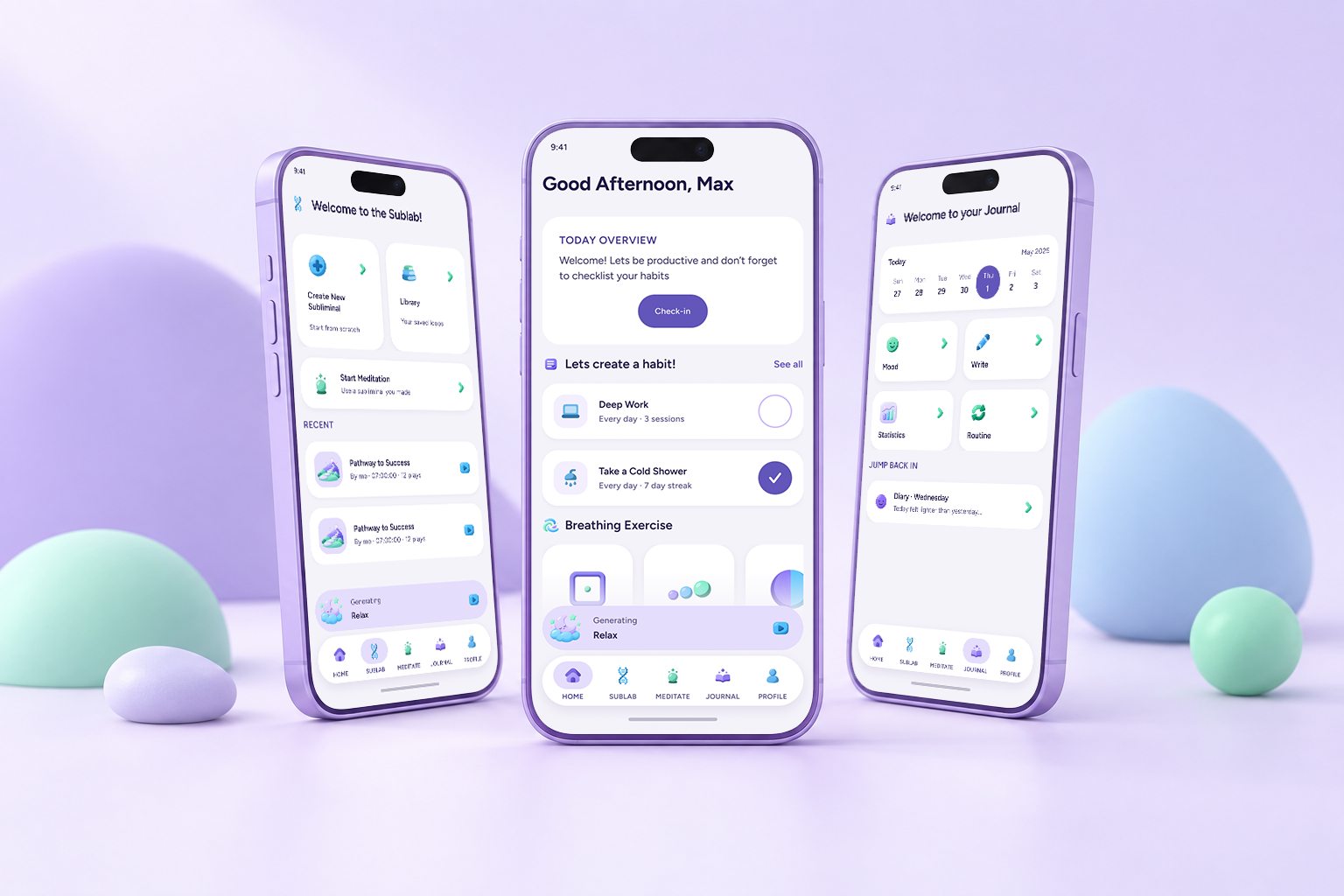
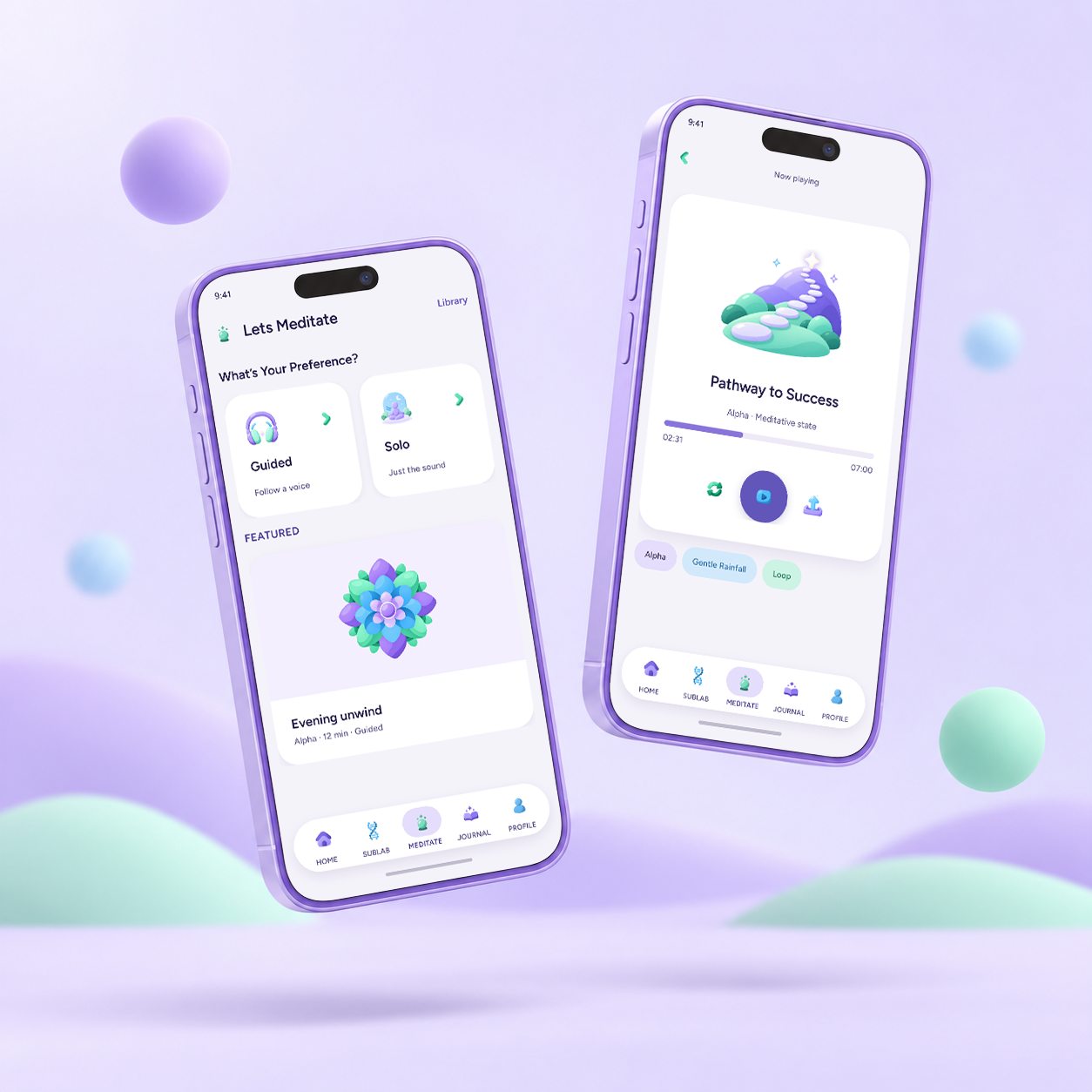
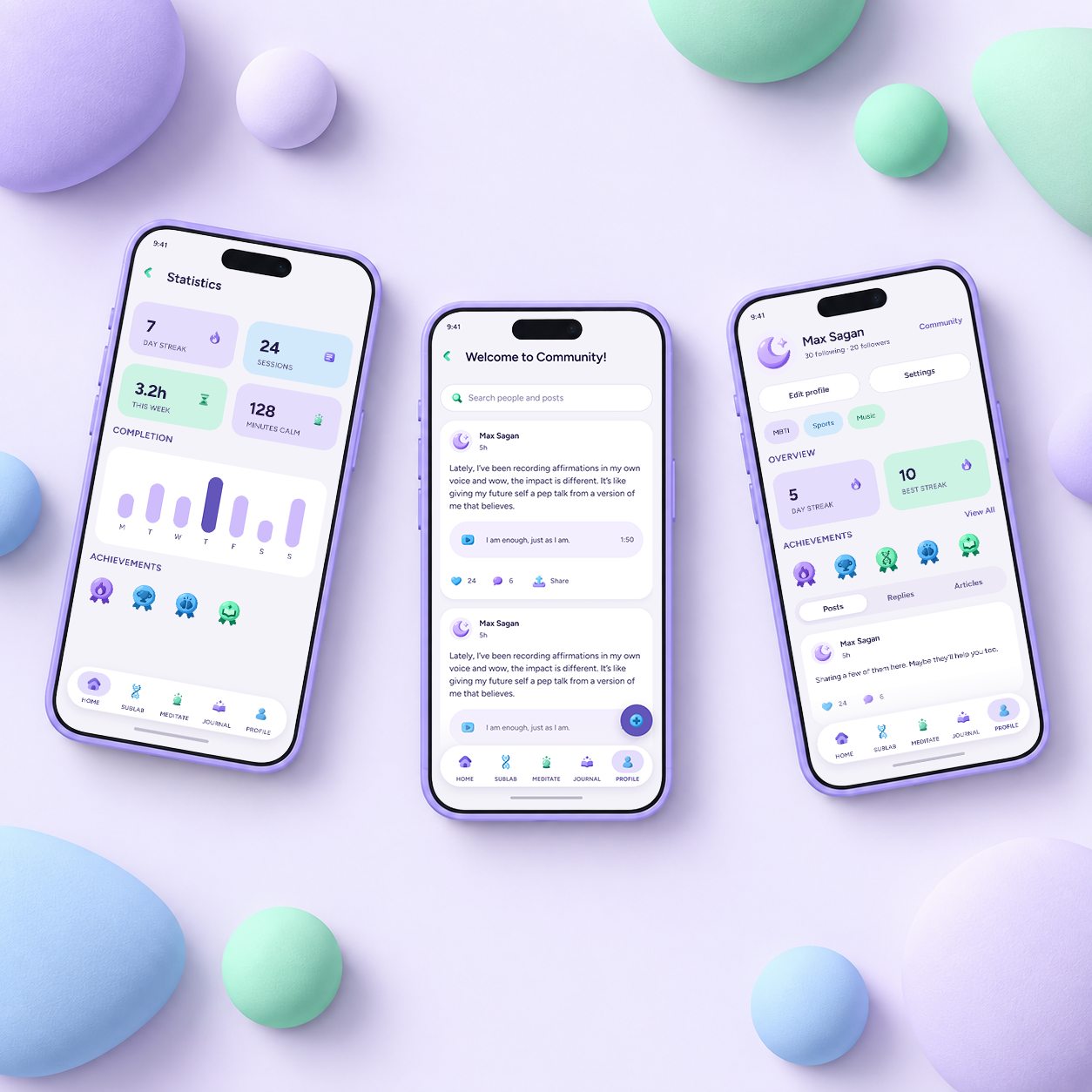
Three lavender phones on a pastel set, showing the Sublab, Home and Journal screens Two floating phones showing the Meditate screen and Now playing Three phones lying among pastel pebbles, showing Statistics, Community and Profile

Discovery

Problem Space

Many young adults want real connection, but anxiety and depression make reaching out feel impossible. So they escape into digital distractions, which leaves them more isolated than before.

Anxiety and depression have become a deeper, more complex crisis since the pandemic.

Research

Understanding The Problem

We surveyed and interviewed young adults to learn how anxiety and depression affect their daily habits, their relationships, and how they look for relief.

23

Survey questions

32

Survey responses

3

Question types

7

Interviews

Our survey, "Anxious and Depressed," and the research summary board

189 DATA POINTS

Collected from the survey and the interviews

Interviews

Key Insights

  • 01

    Anxiety is constant, so people treat it as normal

  • 02

    People crave connection, then pull away from it

  • 03

    Stress slowly wears relationships down

  • 04

    People need reflection, but rarely make time for it

Solution

Ideation

The Proposal

A self-help app for people with anxiety and depression that helps them break out of overthinking and start acting again. Based on what we heard in the survey and interviews, we chose four tools.

Features

SubLab

What it is
Make your own subliminal track: your affirmations, mixed quietly under music or ambient sound.
How It Works
Type your affirmations and pick a background sound. The Composer lowers your voice to just below what you consciously hear. Play it while you sleep, work or meditate.

Meditation

What it is
Guided or solo sessions that mix prompts, ambient sound and silence to help you settle your thoughts.
How It Works
Choose guided (follow a voice) or solo (just sound), set the mood, and end with a moment to notice how you feel.

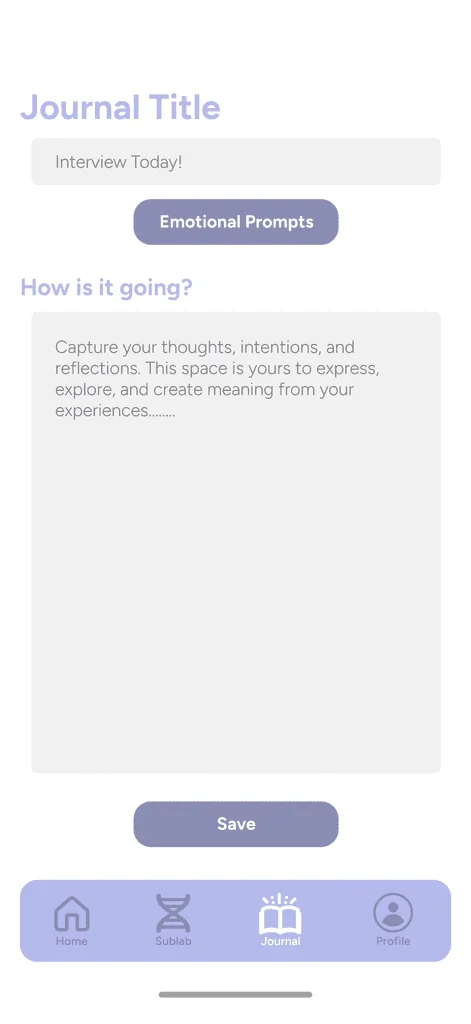
Journal

What it is
A place to notice your patterns: what you think, which feelings repeat, and how your story changes over time.
How It Works
Pick an entry type, set an intention, go deeper, then close the entry.

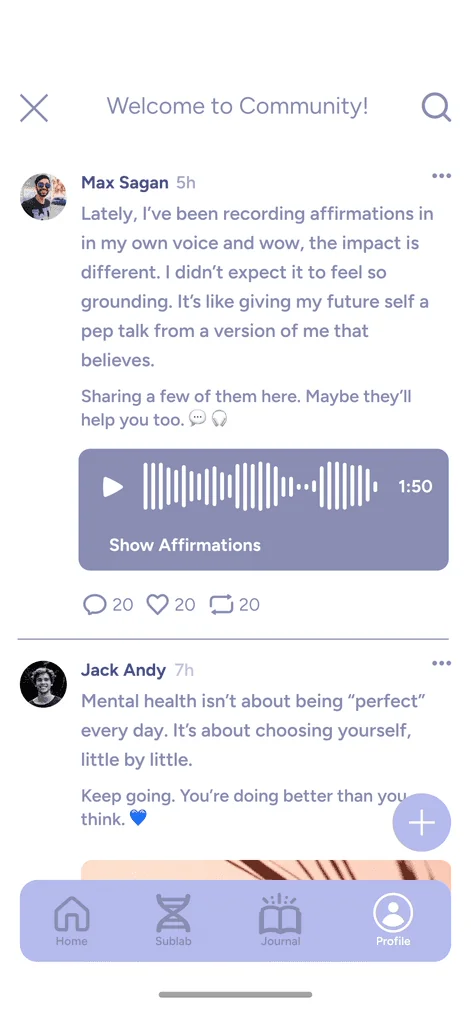
Community

What it is
A space to share affirmations and reflections, and support each other.
How It Works
Post an affirmation or reflection, respond to others, post privately or anonymously, and filter by topic.
It's not often an immediate effect. Rather, it's like watering a plant.
Huma Malak, psychotherapist

Research shows the sleeping brain can take in simple suggestions, especially when they're repeated.

The papers we drew on

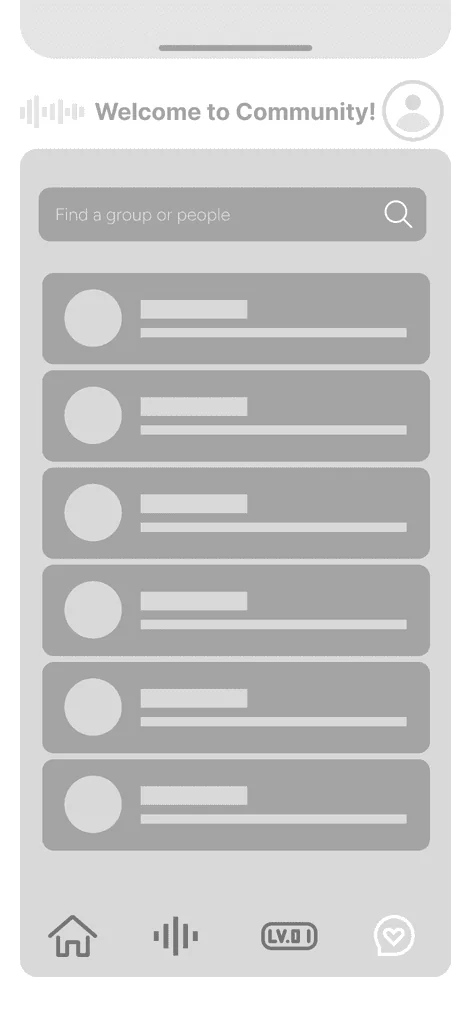
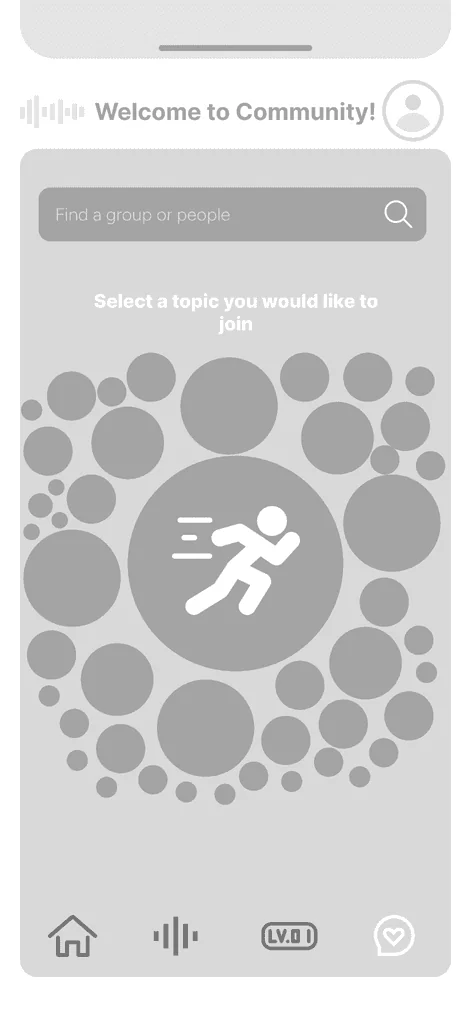
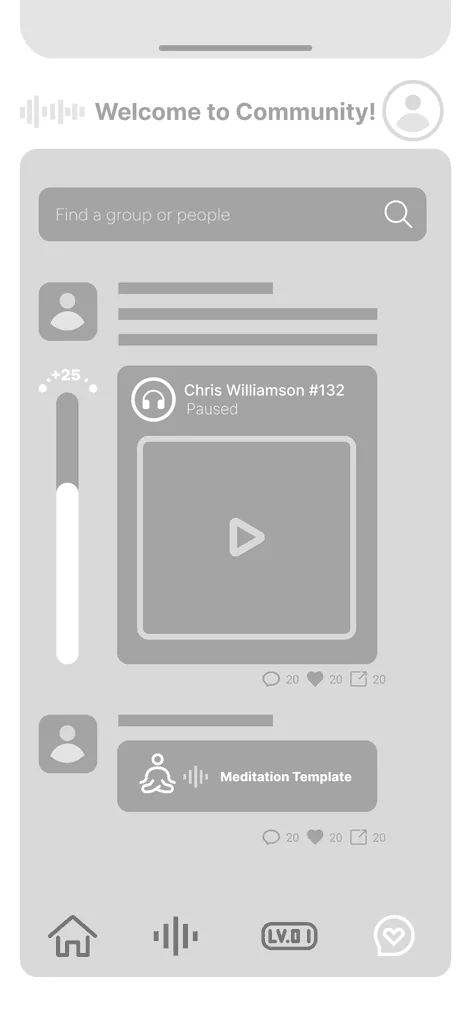
Low-Fi Wireframes

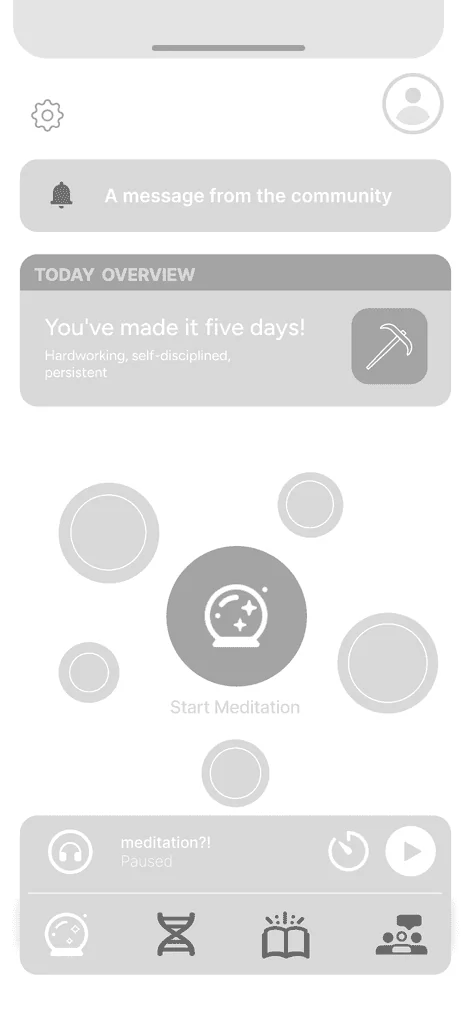
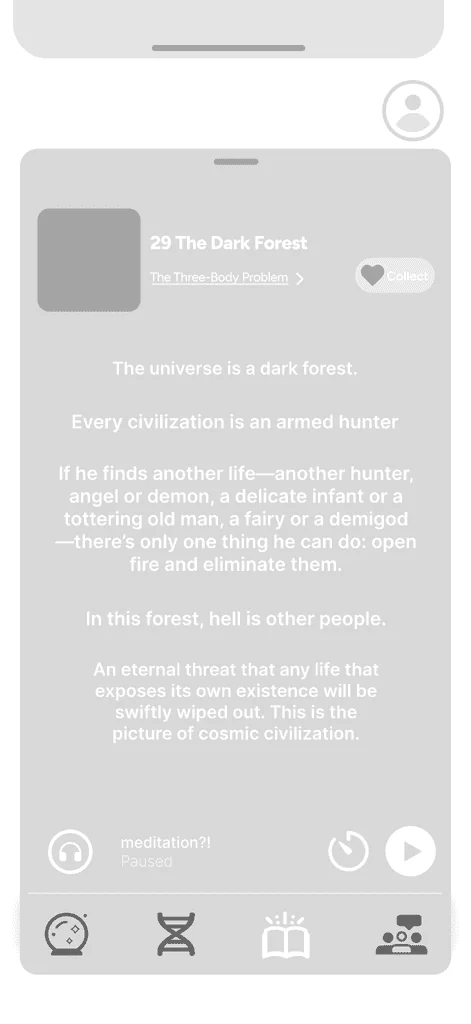
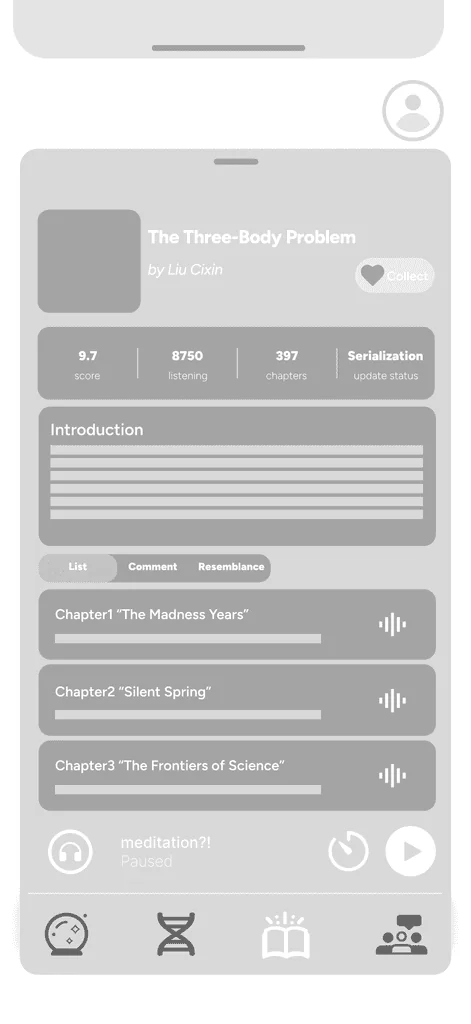
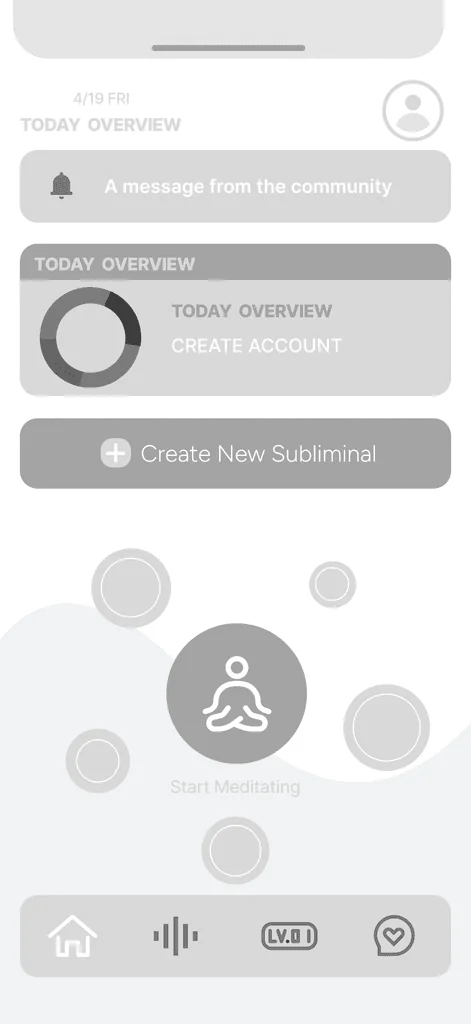
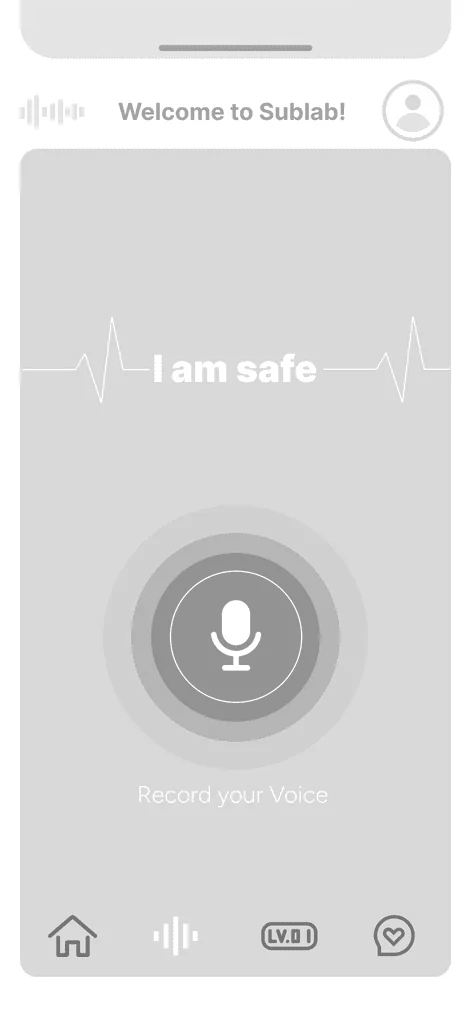
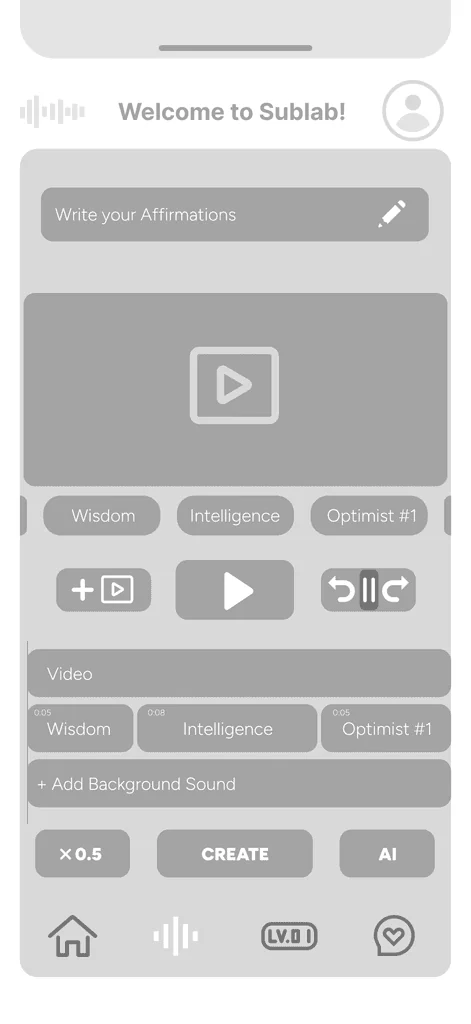
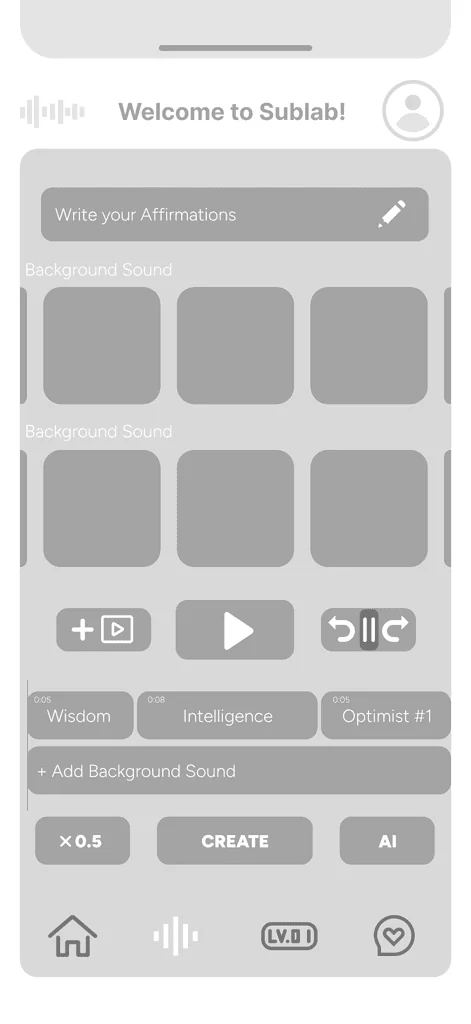
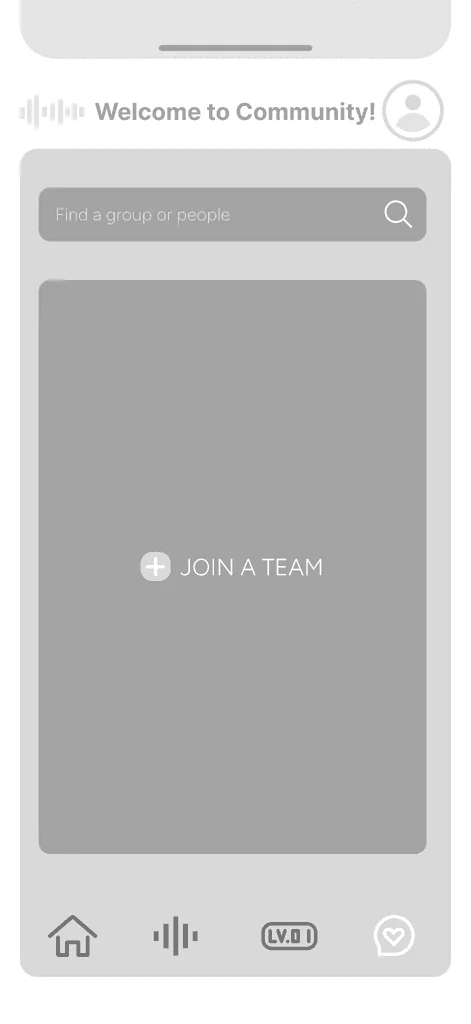
  • Low-fidelity wireframe screen
  • Low-fidelity wireframe screen
  • Low-fidelity wireframe screen
  • Low-fidelity wireframe screen
  • Low-fidelity wireframe screen
  • Low-fidelity wireframe screen
  • Low-fidelity wireframe screen
  • Low-fidelity wireframe screen
  • Low-fidelity wireframe screen
  • Low-fidelity wireframe screen
  • Low-fidelity wireframe screen

User Testing Low-Fi

Test Results

Round 1

Low-fidelity, 5 participants

30%of attempts completed without trouble

Each cell is one participant's result on one task.
Participant123456
User 1ConfusionConfusionSuccessfulSuccessfulConfusionConfusion
User 2ConfusionSuccessfulConfusionConfusionConfusionSuccessful
User 3UnsuccessfulConfusionConfusionSuccessfulConfusionSuccessful
User 4UnsuccessfulSuccessfulSuccessfulConfusionUnsuccessfulConfusion
User 5UnsuccessfulSuccessfulUnsuccessfulUnsuccessfulConfusionConfusion

Successful Unsuccessful Confusion

Tasks

  1. Create a subliminal track
  2. Start a solo meditation
  3. Pick an audiobook in Self Mastery
  4. Check the calendar on the home screen
  5. Copy an affirmation in Community
  6. Post your own affirmation

Testing showed real usability problems. Creating a subliminal track was the hardest: 3 of 5 people couldn't finish it and the other 2 got confused. Navigation, Community and the audiobook section felt overwhelming and needed clearer guidance. So we redesigned the visuals and interface to make each step clearer, especially creating a track in SubLab.

Mid-Fi Wireframes

  • Mid-fidelity wireframe screen
  • Mid-fidelity wireframe screen
  • Mid-fidelity wireframe screen
  • Mid-fidelity wireframe screen
  • Mid-fidelity wireframe screen
  • Mid-fidelity wireframe screen
  • Mid-fidelity wireframe screen
  • Mid-fidelity wireframe screen
  • Mid-fidelity wireframe screen
  • Mid-fidelity wireframe screen

User Testing Mid-Fi

Test Results

30%round 1, low-fidelity

78%round 2, mid-fidelity

Tasks finished with no trouble. Round 2 used a revised task list; creating a track and starting a solo meditation were tested in both rounds.

Round 2

Mid-fidelity, 6 participants

78%of attempts completed without trouble

Each cell is one participant's result on one task.
Participant123456
User 1UnsuccessfulSuccessfulConfusionSuccessfulSuccessfulSuccessful
User 2ConfusionConfusionSuccessfulSuccessfulSuccessfulSuccessful
User 3UnsuccessfulSuccessfulSuccessfulSuccessfulSuccessfulSuccessful
User 4ConfusionSuccessfulSuccessfulSuccessfulSuccessfulSuccessful
User 5SuccessfulSuccessfulConfusionSuccessfulSuccessfulSuccessful
User 6SuccessfulSuccessfulConfusionSuccessfulSuccessfulSuccessful

Successful Unsuccessful Confusion

Tasks

  1. Create a subliminal track
  2. Pick a habit, add a goal and check it off
  3. Start a solo meditation
  4. Journal: pick two habits, track your mood, view statistics
  5. View your profile and achievements
  6. Choose a community topic, browse, search and post

Most tasks went smoothly. Creating a track was still the weak spot (2 of 6 couldn't finish it and 2 got confused), which is why the final onboarding teaches SubLab step by step.

Style Guide

Illustrations

  • SubLab
  • Meditation orb
  • Mandala
  • Community

Lavender

  • Canvas#F5F3FA
  • Accent soft#E5DDFC
  • Lavender#CEBCFC
  • Accent#6256BA
  • Accent strong#4A3F94

Supporting

  • Sky soft#D2E9FC
  • Sky#3D92D6
  • Mint soft#CDF3E5
  • Mint#32A37B
  • Ink#241B4A

Figtree Bold

Display and headings

Breathe out

Figtree Regular

Everything you read

A quiet place to put the noise down.

Icons

Navigation, and the mood scale used for check-ins

  • Home
  • SubLab
  • Meditate
  • Journal
  • Library
  • Community
  • Profile
  • Mood: very low
  • Mood: low
  • Mood: neutral
  • Mood: good
  • Mood: great

Final Delivery

Introducing Liminal

Onboarding

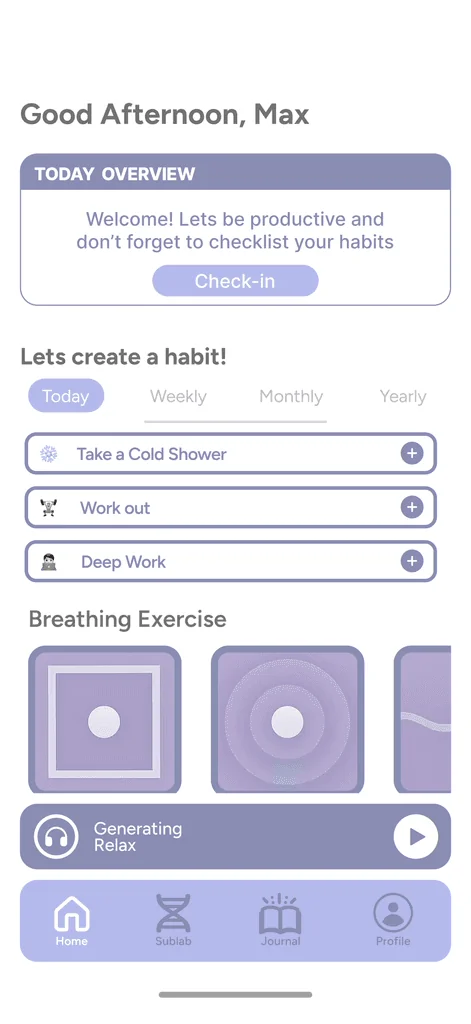
Onboarding introduces the home screen and habit setup, then focuses on SubLab, the feature testers found most confusing, with a step-by-step tutorial.

  1. 01Welcome

  2. 02Habits

  3. 03SubLab

  4. 04Tutorial

SubLab

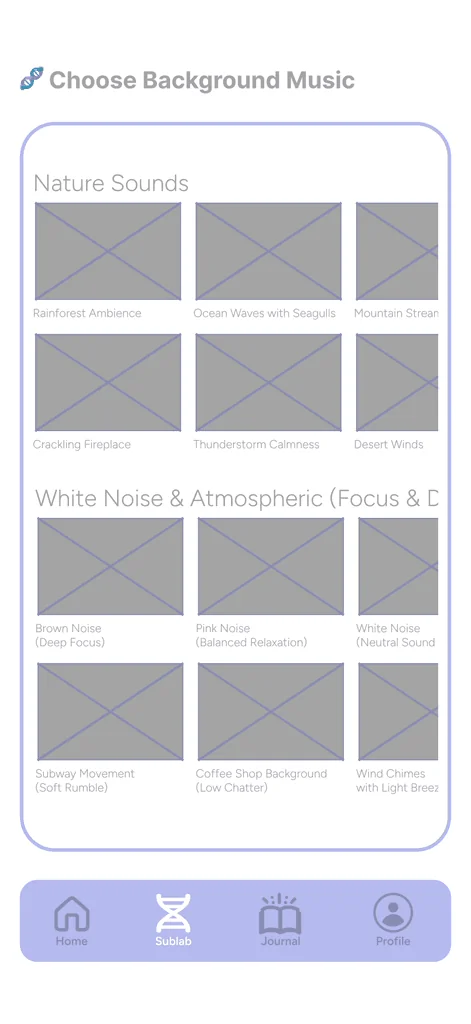
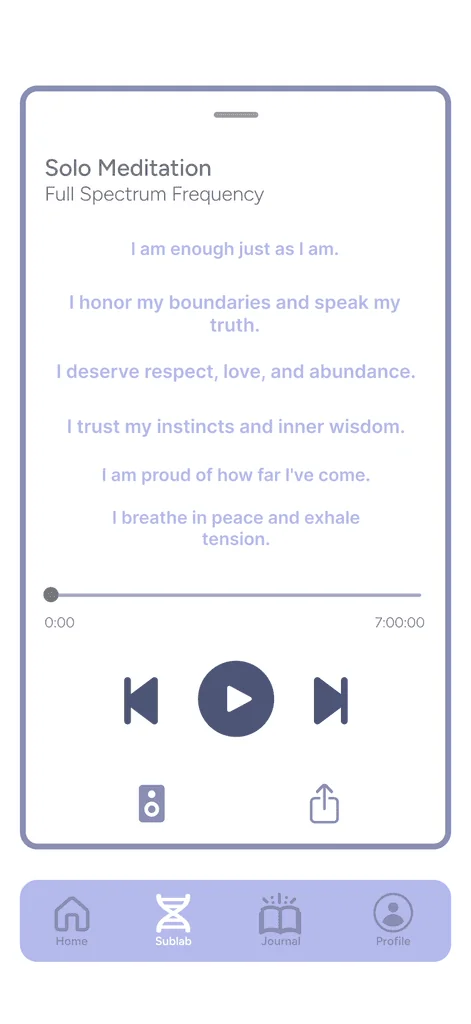
Pick a brainwave frequency (Delta to Gamma), write your affirmations, choose a background sound, and let the Composer set your voice just below conscious hearing.

  1. 01Frequencies

  2. 02Composer

  3. 03Background sound

  4. 04Final touch

Meditation

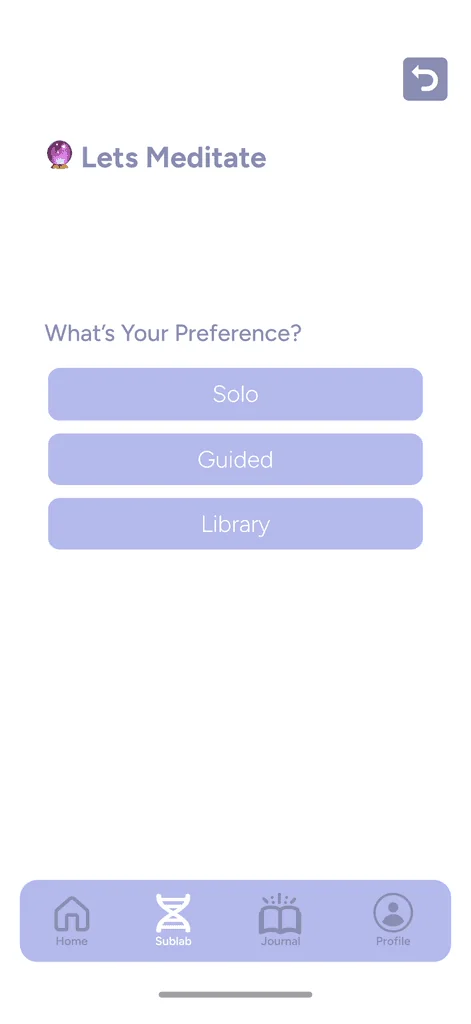
Choose guided, to follow a voice, or solo, to build your own session from sound, a base frequency, affirmations and a timer.

  1. 01Guided or solo

  2. 02Solo setup

  3. 03Now playing

  4. 04Session complete

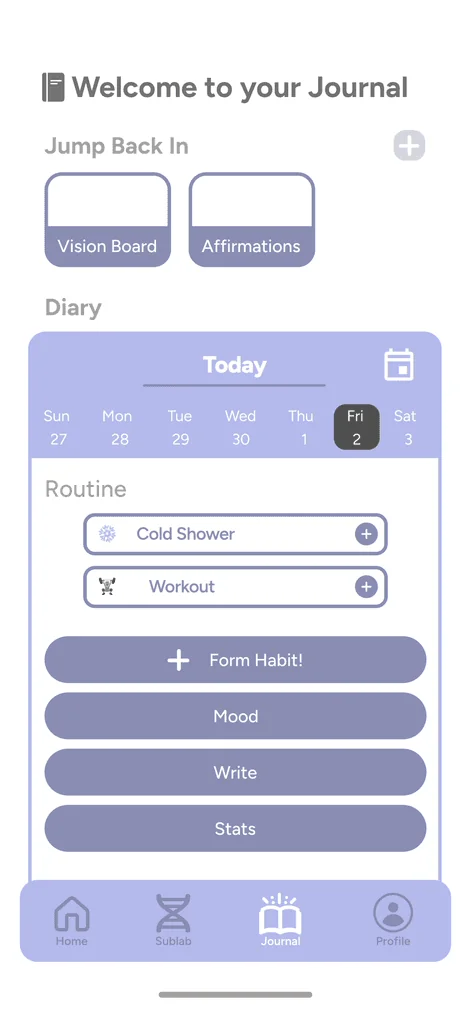
Journal

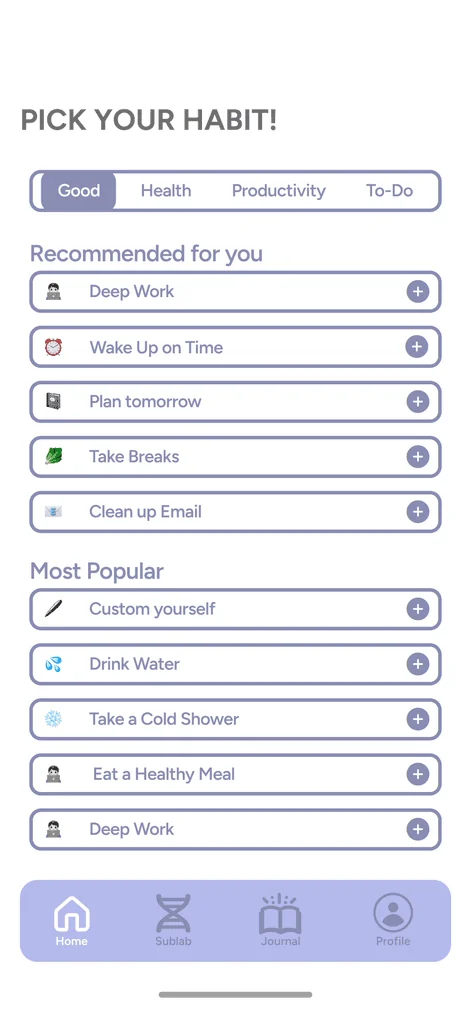
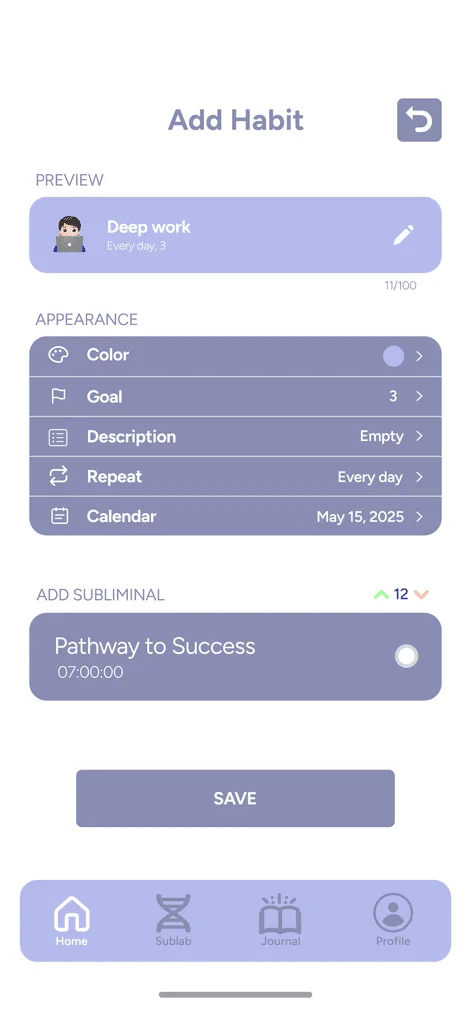
Pick habits from templates, log your mood, see your streaks and progress, and write your daily diary.

  1. 01Habit templates

  2. 02Mood

  3. 03Statistics

  4. 04Diary

Profile & Community

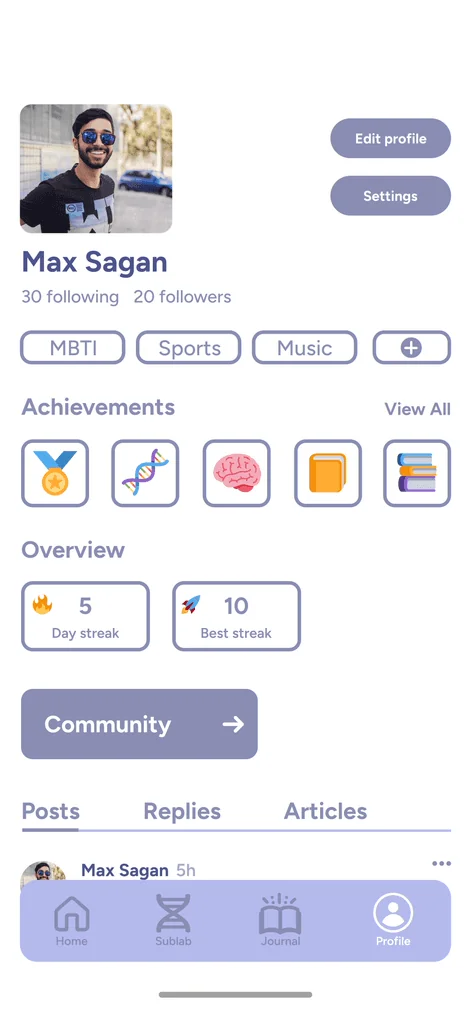
See your streaks and achievements, post your own affirmations or save others', and search posts by topic.

  1. 01Profile

  2. 02Community

  3. 03New post

  4. 04Search

Reflection

Testing early showed us where people got lost. In both rounds, creating a track in SubLab was the hardest task. Redesigning the visuals and interface raised the share of tasks finished with no trouble from 30% to 78%, and the remaining confusion around SubLab shaped the final onboarding, which now walks people through it step by step. The biggest lesson for me: when a feature is unfamiliar, the design has to explain it, not just display it.